 Miguel Raz Guzmán Macedo
b099024705
# Objective

- Describe the objective or issue this PR addresses. -> ** Typo and
grammar fixes!**

## Solution


## Testing

## Self-Review Checklist:

- [x] I've reviewed my own diff for quality, security, and reliability
- [x] Unsafe blocks (if any) have justifying comments
- [x] The content adheres to Zed's UI standards
([UX/UI](https://github.com/zed-industries/zed/blob/main/CONTRIBUTING.md#uiux-checklist)
and
[icon](https://github.com/zed-industries/zed/blob/main/crates/icons/README.md)
guidelines)
- [x] Tests cover the new/changed behavior
- [x] Performance impact has been considered and is acceptable

## Showcase

---

Release Notes:

- N/A
15 lines
725 B
Markdown
15 lines
725 B
Markdown
---
|
|
title: Command Palette - Zed
|
|
description: Access any Zed action from the command palette. Fuzzy search commands, key bindings, and editor actions.
|
|
---
|
|
|
|
# Command Palette
|
|
|
|
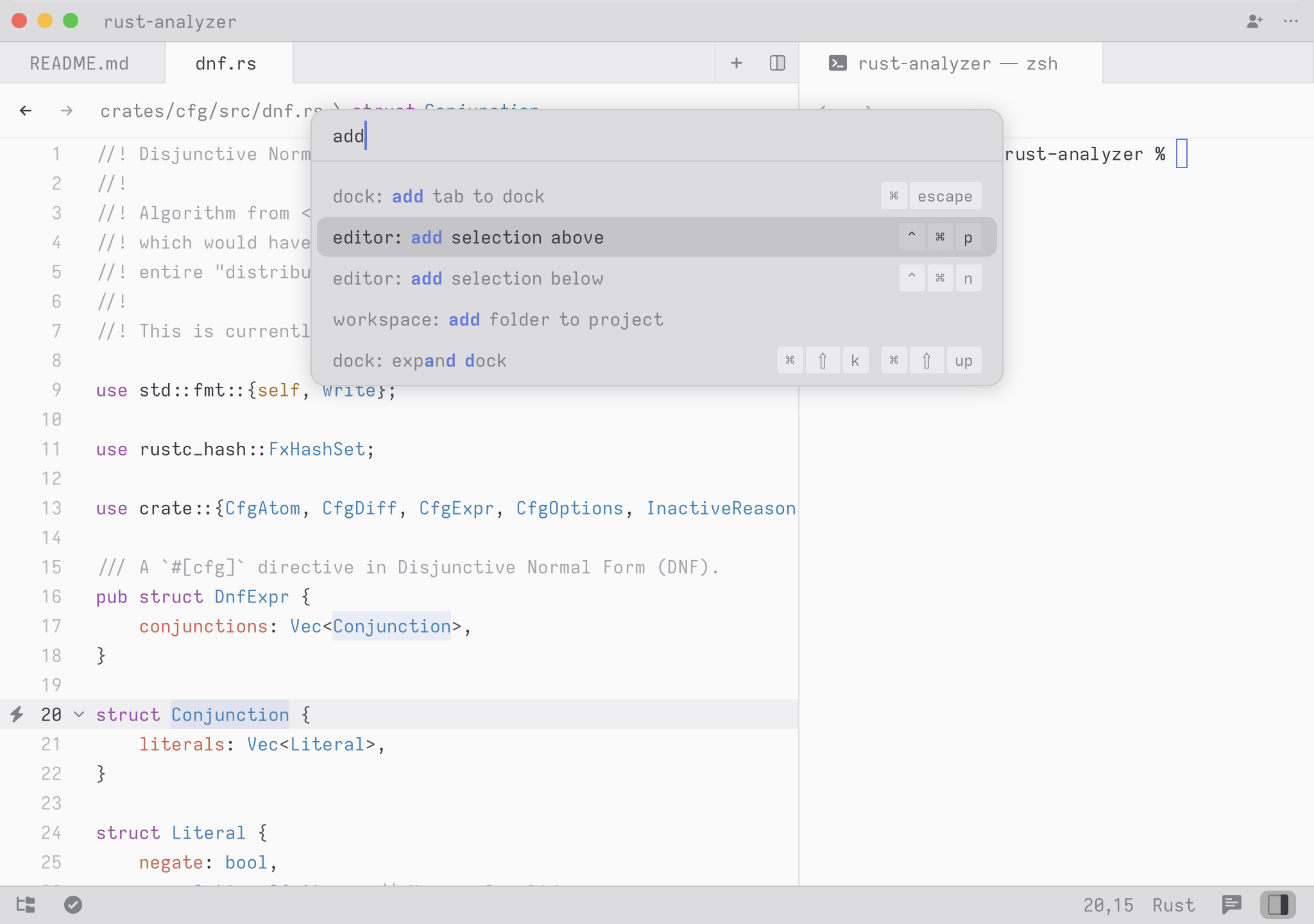
The Command Palette is the main way to access actions in Zed. Its keybinding is one of the first shortcuts to learn: {#kb command_palette::Toggle}.
|
|
|
|
|
|
|
|
To try it, open the Command Palette and type `new file`. The command list should narrow to {#action workspace::NewFile}. Press Return to create a new buffer.
|
|
|
|
Any time you see instructions that include commands of the form `zed: ...` or `editor: ...` and so on, it means you need to execute them in the Command Palette.
|